How to hear familiar English words in different lines
You may recognize a word on the page and know its meaning, yet miss it in conversation. In Vocabulary on Playphrase.me, choose that word and listen to how it sounds in different scenes.
Open Vocabulary in the search panel on the right. Entries show translations, levels, and example combinations. Narrow a broad list with Level or Domains. The Daily life utility sorting option is intended for everyday vocabulary.
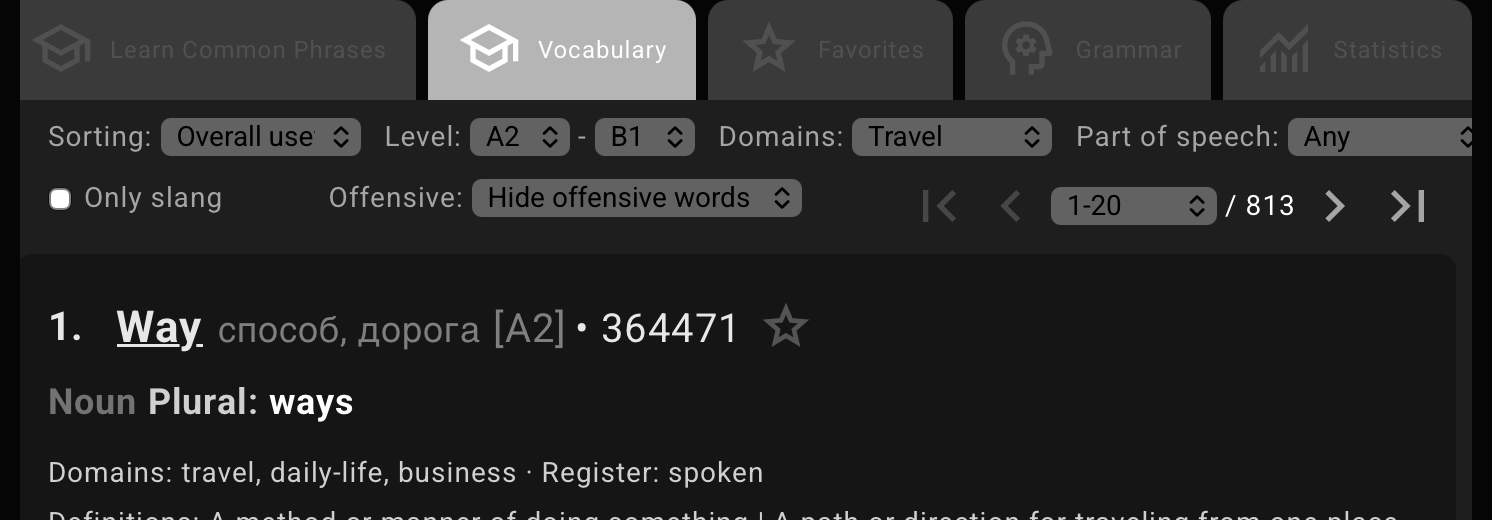
Sorting option and a Level range is enough to begin. The other filters can stay as they are.Choose a word to spend time with. For example, barely means only just, or almost not. One video contains You barely touched it; another has we barely get by. The first describes hardly touching something, while the second describes struggling to make ends meet. The meaning of barely stays recognizable as its surroundings change.
Keep the word in the search field and listen to more examples. To focus on it, turn on the scissors button, Focused playback. This trims playback to the searched words with a little surrounding speech. Turn it off when you need the complete line.
You do not have to choose every new word by hand. On a computer, Ctrl + Shift + Space opens a random word from the current Vocabulary page and videos containing it. This also turns on Focused playback automatically.
To explore a particular use, open one of the word card's Common collocations. The search then narrows to that combination: from barely, for example, to barely enough. Use the star to save a word to Favorites for later.
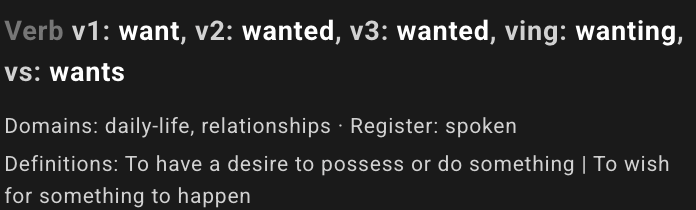
want and the Definitions section.