What to listen to in Playphrase.me when you have no search in mind
Learn Common Phrases contains English expressions you can open with one click. It suits a listening session when you do not yet have a query in mind.
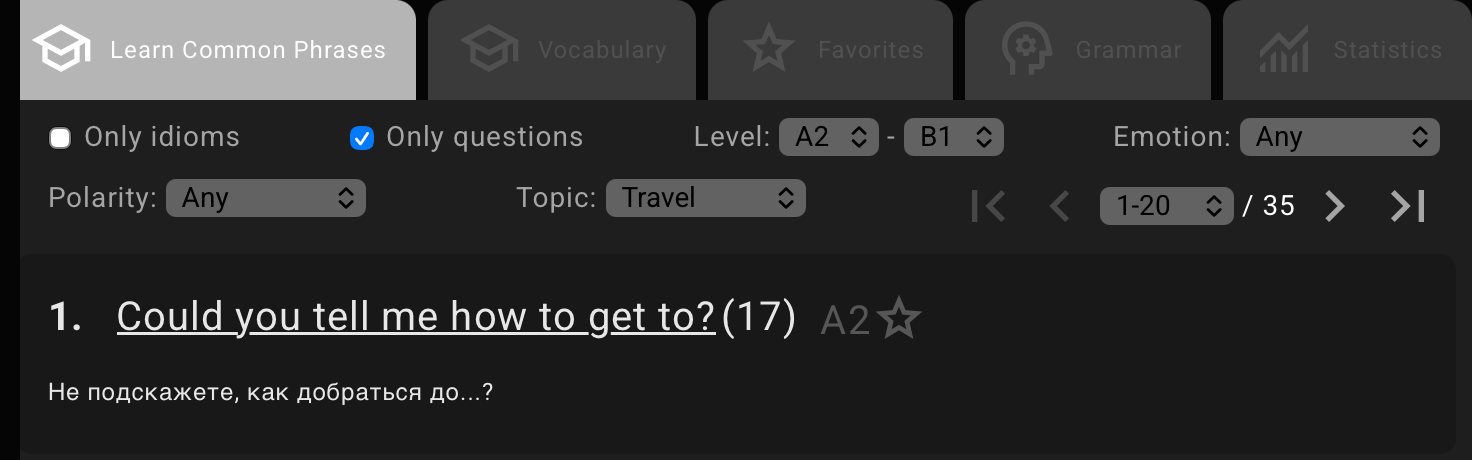
Open the tab to the right of the video. The list shows expressions, translations, and levels. For introductions, it includes Nice to meet you and I'm so glad to meet you; for goodbyes, I'll see you later.
Choose a phrase whose meaning you understand. Playphrase.me puts it into the search field and opens scenes with those words. Leave the query in place to hear it spoken by different characters in successive videos. If the page opens paused, press play.
Choose material for your session
Level sets a level range, and Topic narrows the subject. Turn on Only questions if that is what you want to hear. You do not need to fill in every field; use the restriction that helps you choose a phrase.
A translation gives an initial sense of the meaning. A scene adds intonation, another speaker, and the rest of the line. Results for I'll see you later, for instance, include both a standalone goodbye and longer exchanges. You can hear them in succession without choosing fresh material each time.
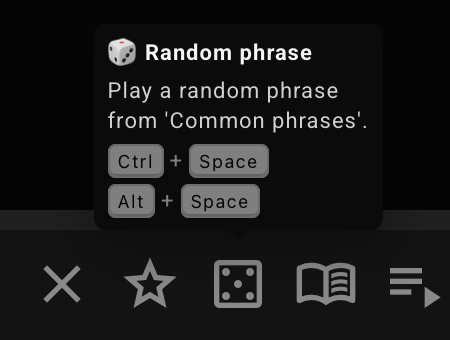
When you want another expression, return to the list or press Ctrl + Space on a computer. This opens a random phrase from the current Common Phrases page. The filters you set determine which material that next selection comes from.