How to Shadow One Video Quote in Playphrase.me
Playphrase.me editorial
For shadowing in Playphrase.me, choose one clip. Search is how you listen to a few versions of a line and select one performance. You do not need to shadow the whole stream of results.
Choose a clip, not just a phrase
Open Playphrase.me and type this into Search phrases:
It's a pleasure to meet you

Press Play and listen to a few results. Choose a short clip with a clear beginning and end.

It's a pleasure to meet you. from Nappily Ever After.The next result may have a different speaker or a longer line. It is another recording to choose from, not a continuation of the first one.
Understand the recording first
Listen to the selected clip once without speaking over it. Check what you hear against the full text under the video.
If the searched words sit inside a longer line, turn on Focused playback to keep the matched part with a little surrounding context. If word boundaries are hard to catch at normal speed, lower Speed briefly, then return to 1.0x before shadowing.
Shadow the selected recording
Turn on Repeat for the current clip. On the next play, start speaking just behind the recording rather than waiting for the full line to end. Copy the pauses and ending of this particular video quote.

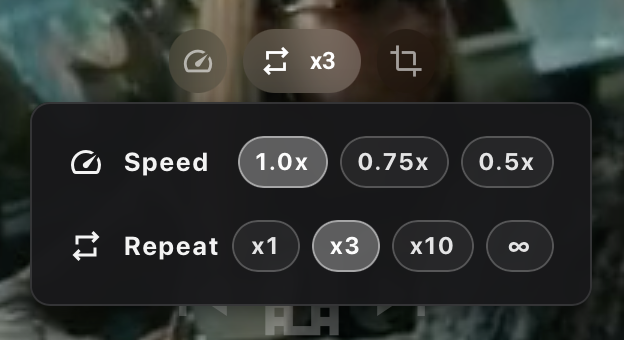
Repeat repeats the current clip; Speed changes its playback rate.If listening and speaking at once is still awkward, say the line after the recording first. Then try it again with a short delay.
When you are done with that clip, turn off Repeat and listen to the next result. Treat it as a new performance for a separate round, not as though the recording has stayed the same.
For the exact Speed, Repeat, and auto-advance controls, see How to Replay a Phrase Without Losing Your Place.