How to listen to one actor's English lines
Choose an actor in Playphrase.me to hear the lines the site has collected for them. This is useful when you want to stay with a familiar voice across different scenes.
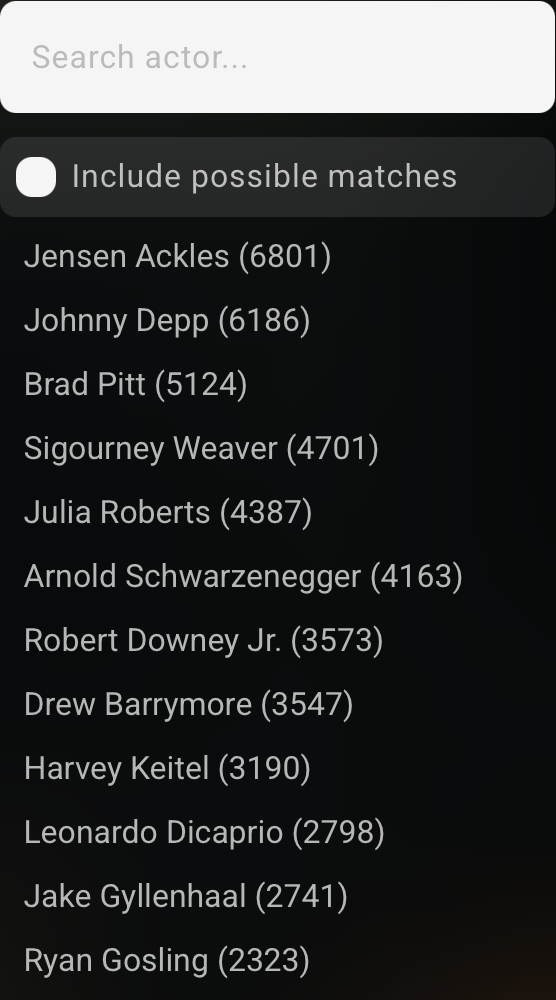
Open ordinary Search & Learn, choose the English collection, and select Select Actor at the top of the page. Find a name in the list or use Search actor. For example, choose Brad Pitt.
The top menu shows Actor: Brad Pitt, and the phrase field offers Search Brad Pitt's phrases. Leave that field empty to browse the collection, or enter a query to narrow it to particular words.

One phrase across different scenes
Enter you know. Brad Pitt's collection includes I don't know, you know? from Meet Joe Black (1998). Continue listening to other results for the expression while keeping the same actor selected.
Leave the expression in the field to hear how the actor says it in different scenes. Clear it to hear other lines from the collection.

The collection is limited to material available and processed in Playphrase.me. It does not represent the actor's complete filmography or every line they have spoken.
To find any clips from movies featuring that person, use Cast in Clip Search. It filters source credits, so someone else may be speaking in a result. For the actor's line collection, stay in Search & Learn with the name selected.