How to listen to phrases back to back in Reels
Each card in Reels on Playphrase.me has a phrase or word. Within the card, different video examples play for that query. Move to the next card when you want a different phrase.
On the I'll see you later card, for example, the scenes change while those words remain. The next card might contain It's nice to meet you. These are two different changes: a new example of the same phrase, and a new phrase.
Choose what to hear
If you are already listening to an expression in ordinary search, select Open reels beside the search field. Reels opens with the current query.
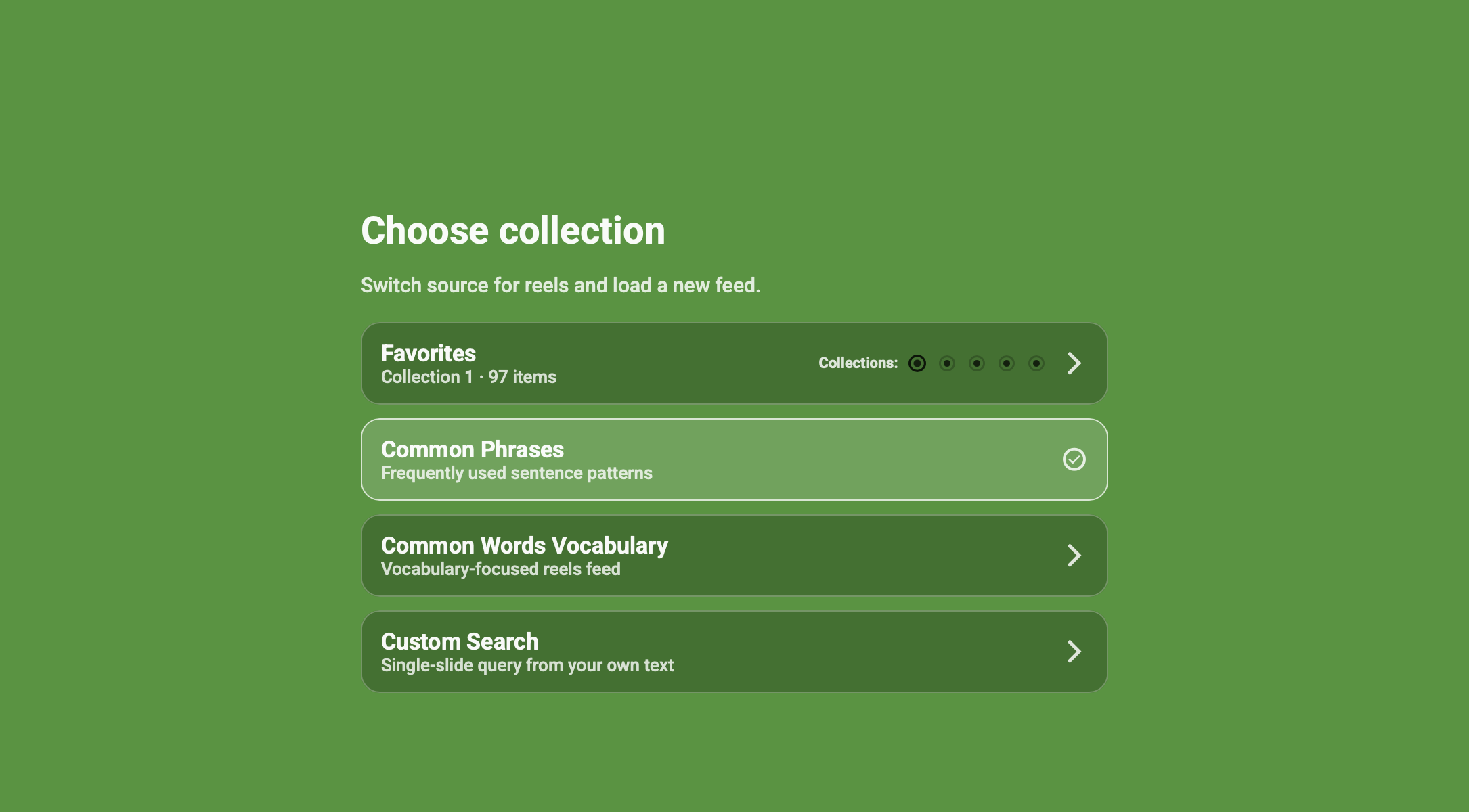
The Choose collection menu offers:
- Common Phrases — ready-made phrases;
- Common Words Vocabulary — words;
- Favorites — entries from the active saved collection;
- Custom Search — your own query.
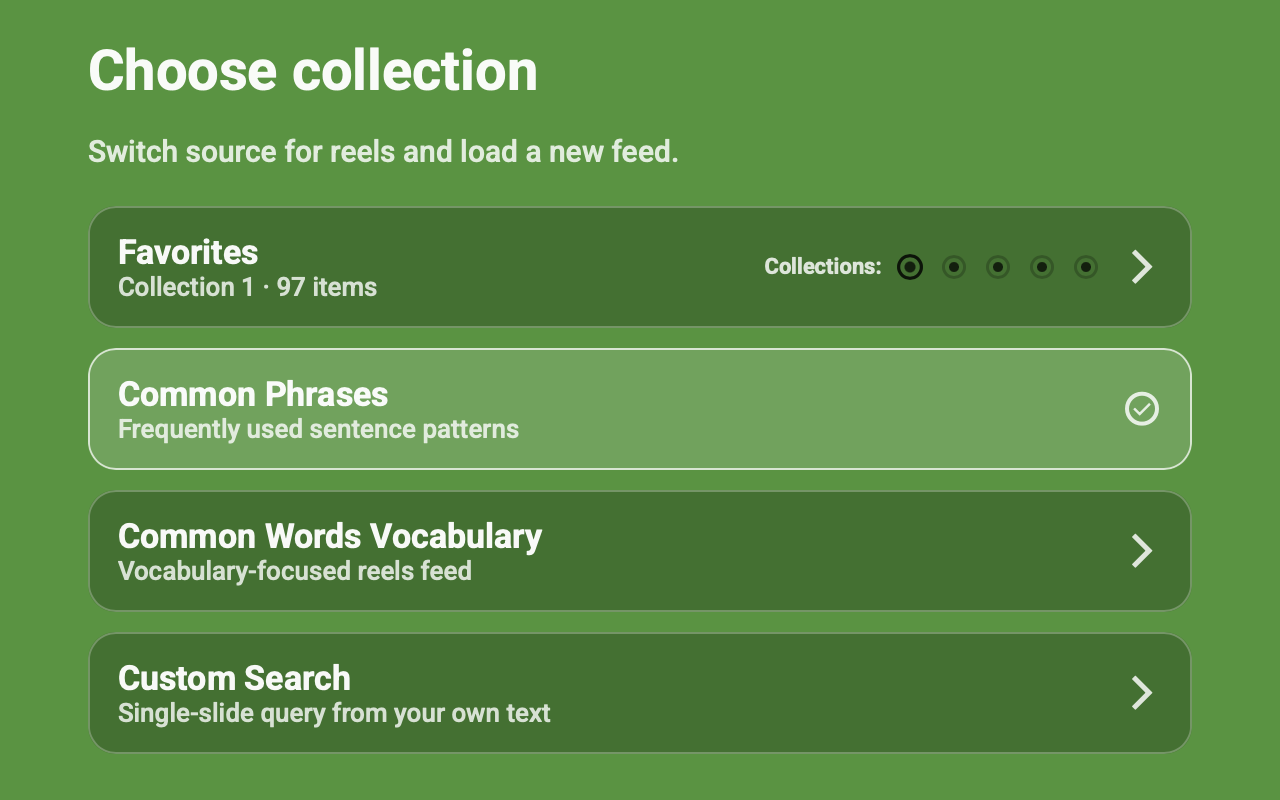
To hear your saved material, choose Favorites and the collection you want. Common Phrases or Vocabulary works for a session without a prepared list.
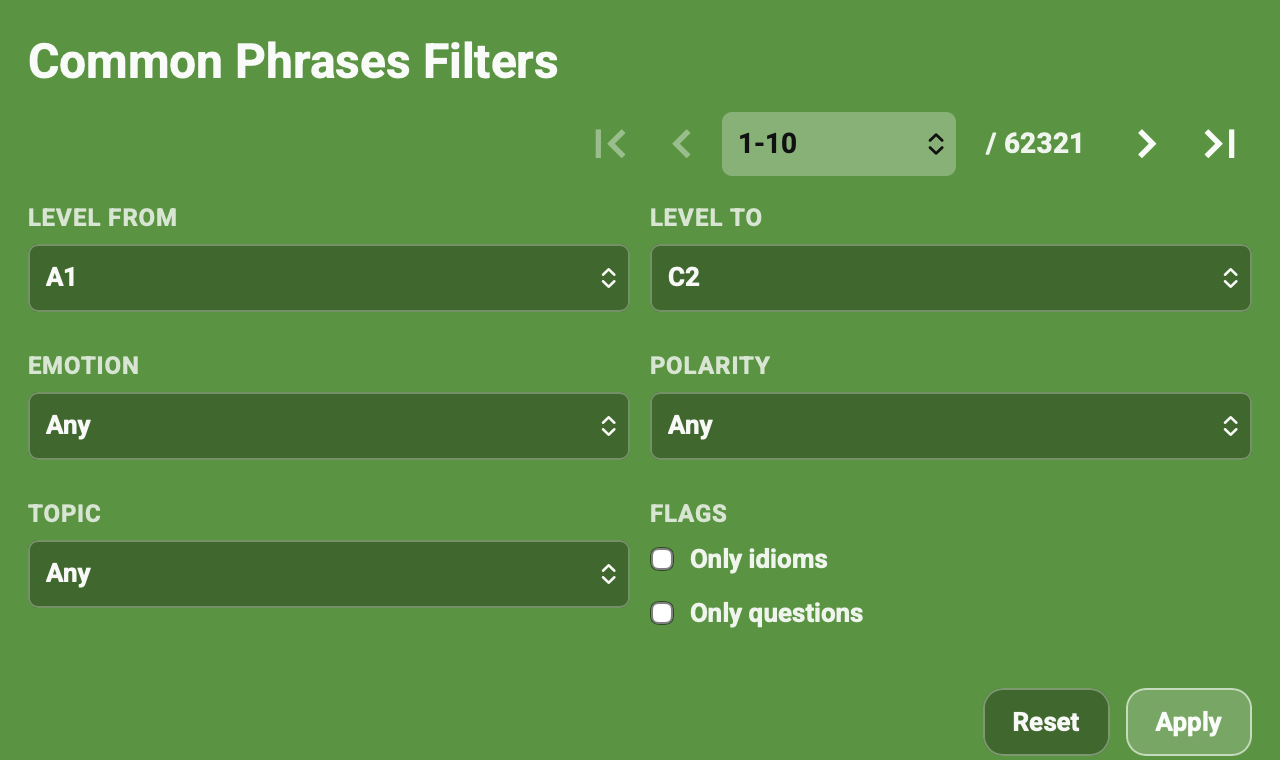
Stay with one phrase or let the cards change
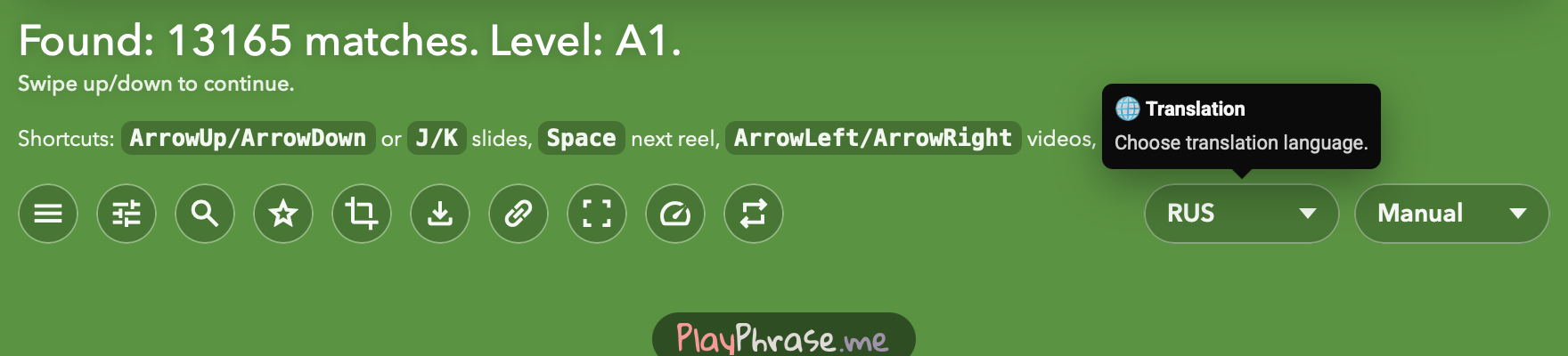
With Manual selected, Reels keeps showing examples of the current phrase. You choose the next card; on a computer, use the arrows on the right.
For automatic changes of phrase, choose an advance setting. 5 videos moves to the next card after five clips, while 30 sec advances by time. This lets you listen continuously without pressing a button for every new phrase.
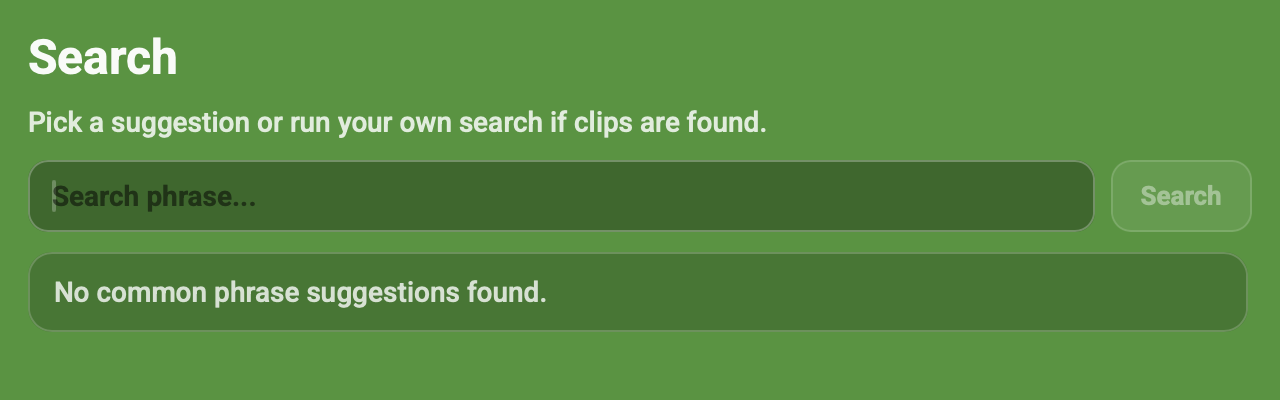
Back to site returns to ordinary search with the current phrase. Use it when you want to see suggestions or explore an expression in more detail.