How to find spoken examples of English grammar
In Grammar on Playphrase.me, choose a grammatical pattern and hear similar constructions in movies and TV shows. This suits a rule you already know but want to hear in conversation.
On a computer, select the English collection and open Grammar in the right-hand panel. The tense tables contain statements, questions, and negatives. Click an example to place it in the search field with the prefix gr:.
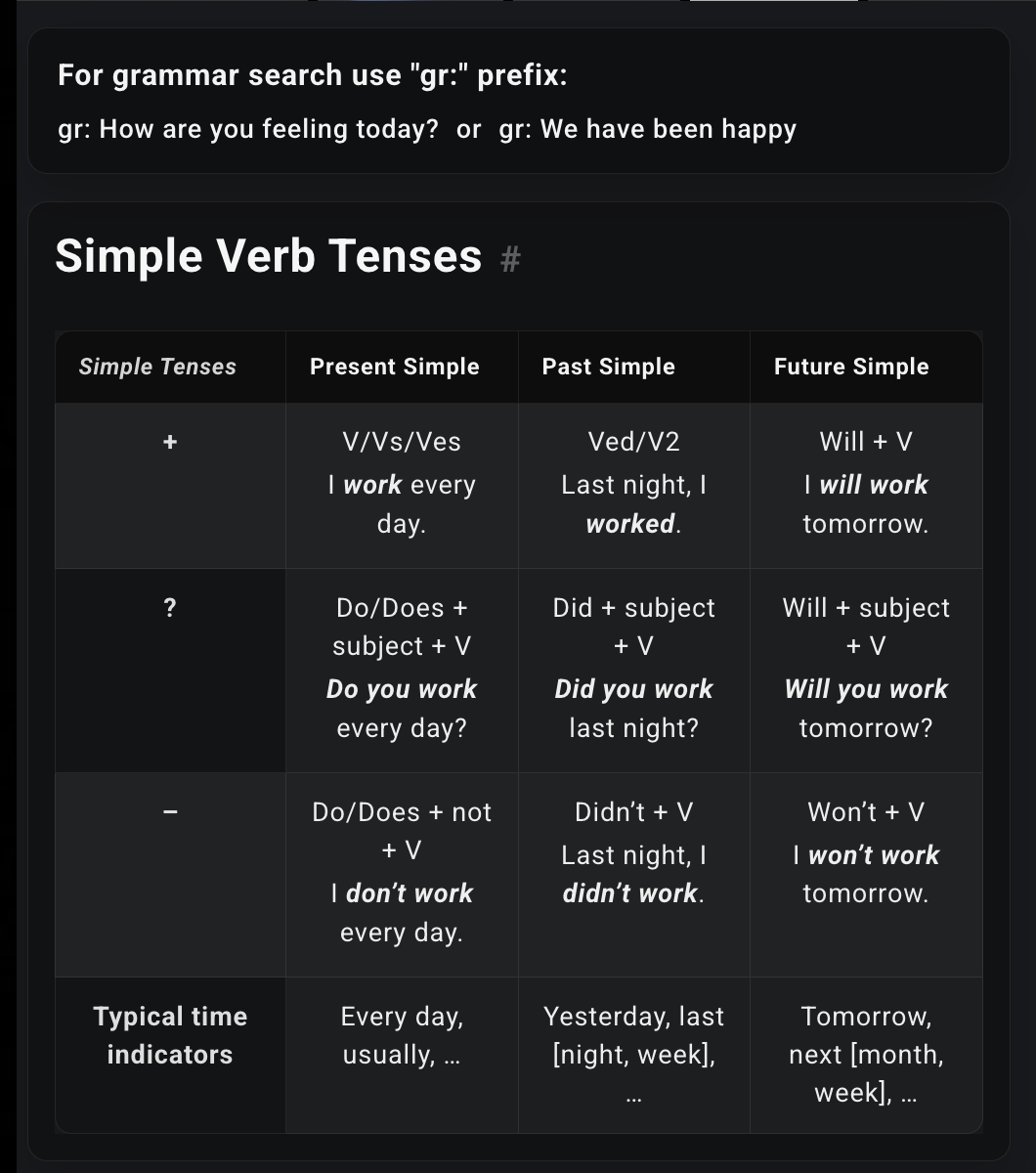
Why the results can use different words
Choose We have been happy near the top of the panel. The query becomes:
gr: We have been happy
Results include I have been ashamed ever since and I've been angry. The words and speakers differ, but you can hear the familiar have been construction. In the second example, I have is contracted to I've.
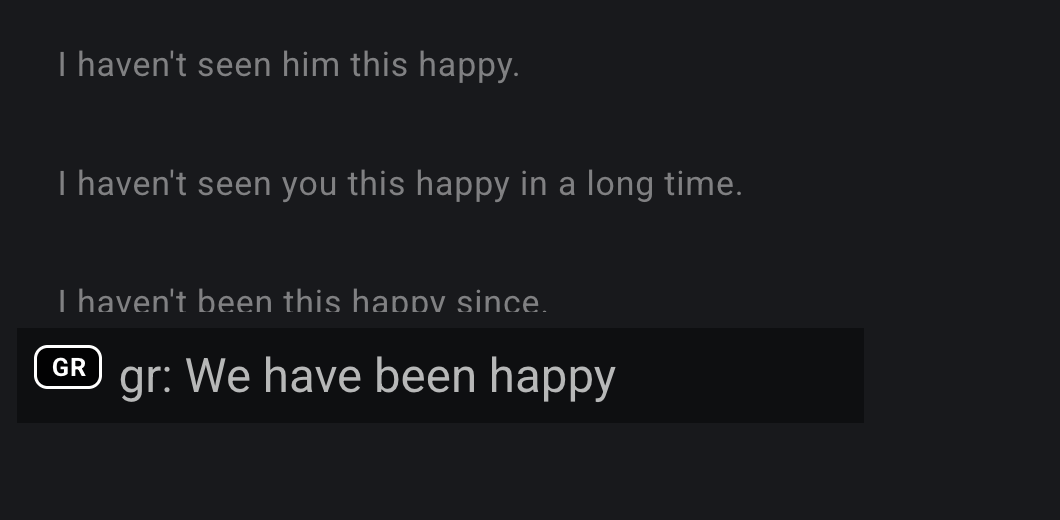
Ordinary search for We have been happy would look for those words. The gr: prefix uses the query as a grammatical pattern. A different pronoun or adjective therefore does not, by itself, mean the search has lost your phrase.
To explore a question form, choose a question from the relevant table row and listen to its results. Pay attention to word order and the sound of the auxiliary verb: the parts that often look like a formula in a written rule.
Grammar search works with the English collection. It finds examples; it does not check whether your sentence is correct. Having results, or having none, cannot establish that. A new rule still needs an explanation of its meaning; Grammar adds spoken examples.